*This post contains Amazon affiliate links. If you click on an Amazon link and make a purchase, I earn a small commission. Thank you! I received a complimentary Beets Blu PagerTag in exchange for this review.
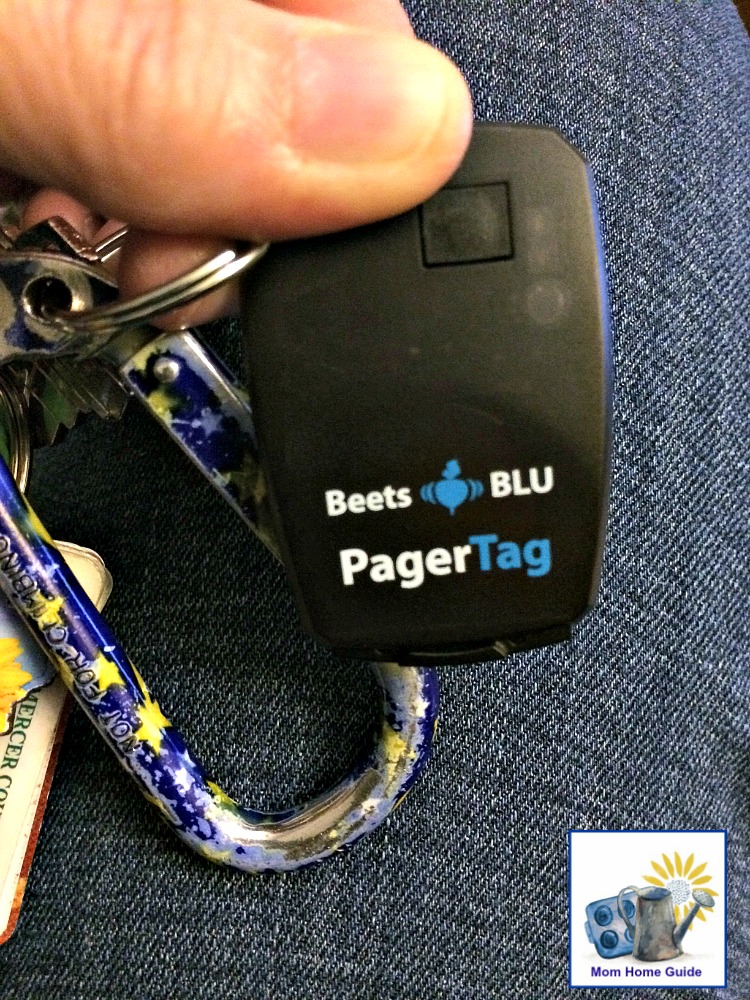
There are two things I am always losing track of — my keys and my cell phone. I tend to toss them both somewhere when I am busy, and then I can’t find them later! So I was happy to try the Beets BLU Bluetooth Wireless Key Finder / Lost Item Finder
The PagerTag, as it’s also called, works via a free app that I downloaded from the iTunes App Store. (It can also be downloaded from Google Play.) The app was easy to get up and running, and the key finder / PagerTag came with its own coin battery.
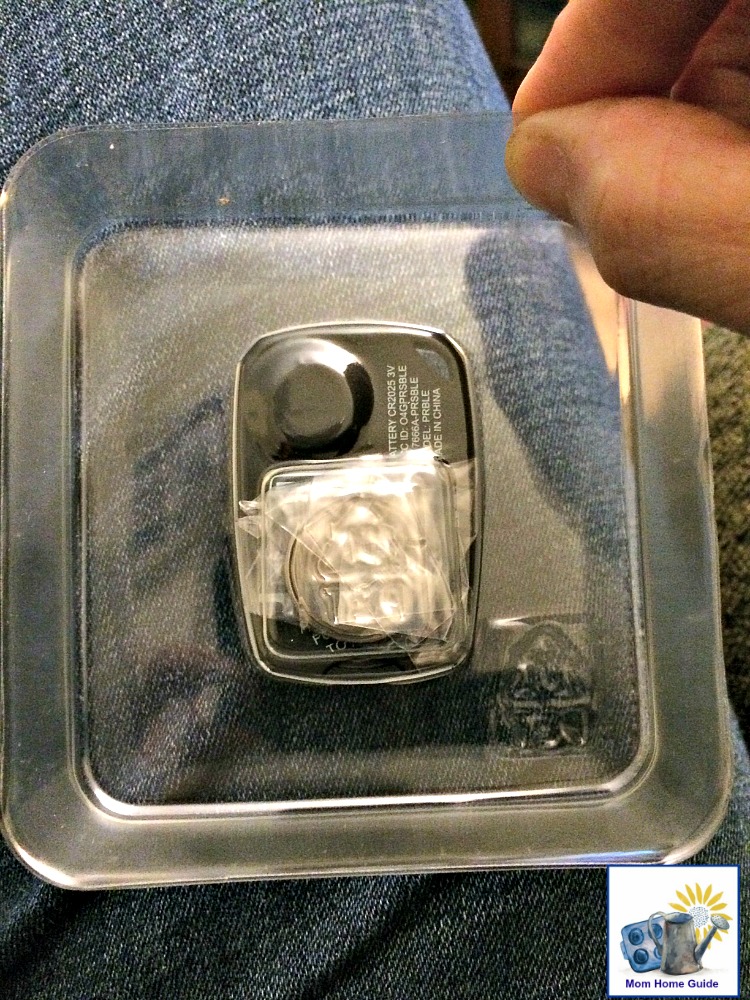
Easy to Use Key Finder
To use my new Beets Blu PagerTag key finder to find my keys, all I need to is turn my phone’s Bluetooth feature on in my phone’s setting. Then, I just open the app and press the alarm icon on the lower left of the screen. Doing so will make the PagerTag, which I have on my key ring, emit some beeps. To stop the beeping, I hit the alarm icon with the “X.” Very handy! For the app and PagerTag to work when I need it, I just have my phone on and to keep the app open on my phone. (The app can run in the background.)
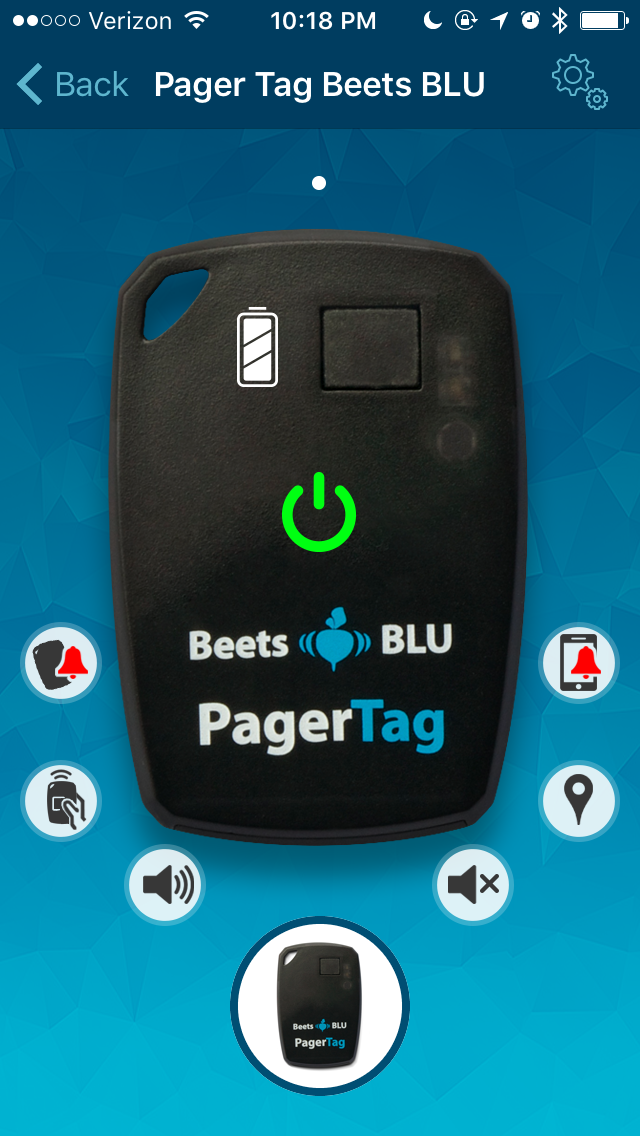
If it’s my phone that’s missing, all I do is press the button on the PagerTag key finder to set off a loud alarm on my cell phone. The app on my phone and the PagerTag key finder has a range of about 33 feet.
I’ve also discovered that the alarm will go off if my keys and my phone are separated by more than 33 feet. I think this would help me to avoid accidentally leaving my phone or keys behind somewhere!
I keep my water-resistant Beets BLU Bluetooth Wireless Key Finder / Lost Item Finder